


The AI Context Kit Notion Template
The AI Context Kit Notion Template
Couldn't load pickup availability
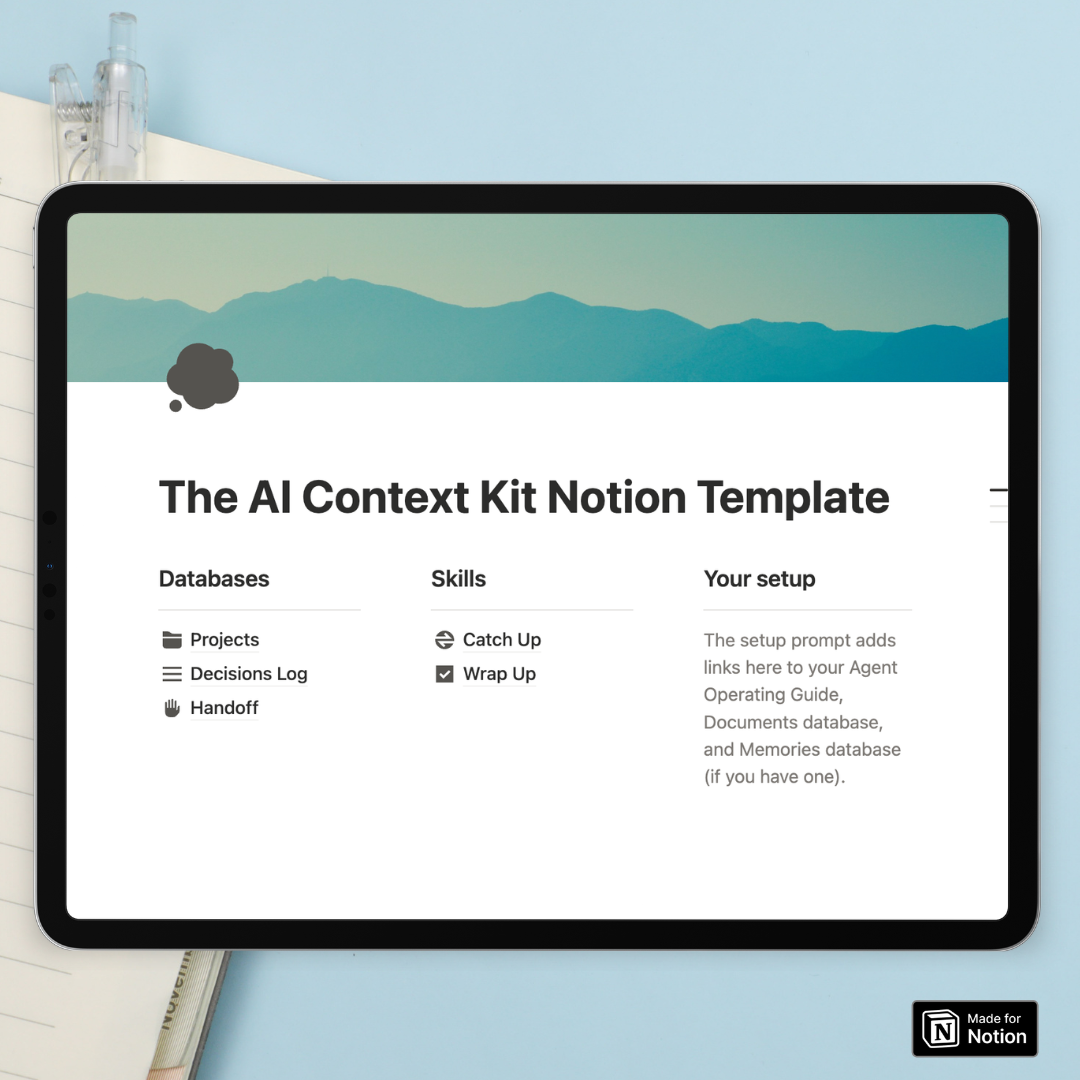
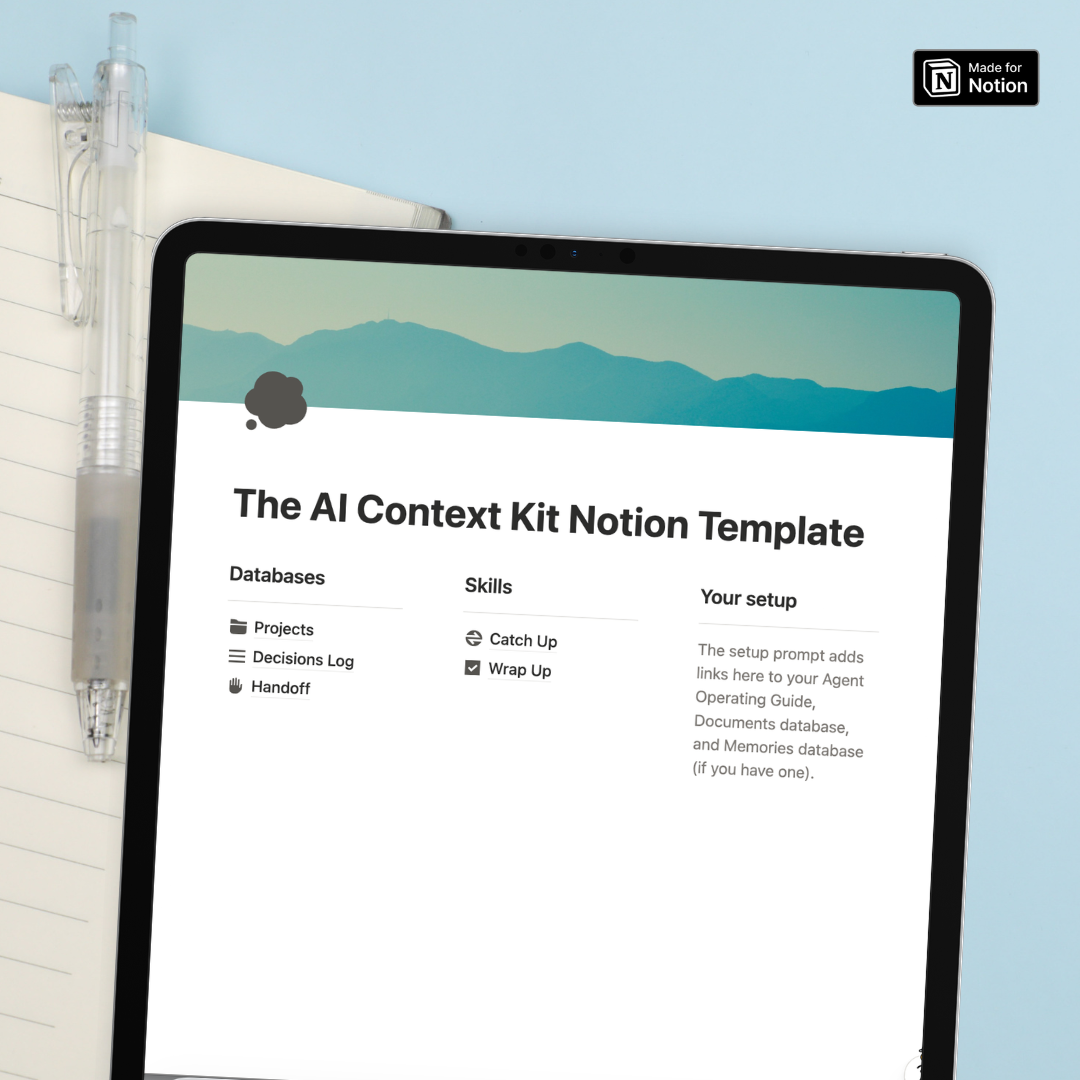
- Start Here Guide walks you through the setup step by step, including Notion's official AI setup prompt. Paste it into Claude, ChatGPT or another connected tool, and it creates your Agent Operating Guide: the page every AI checks first to find your skills and preferences.
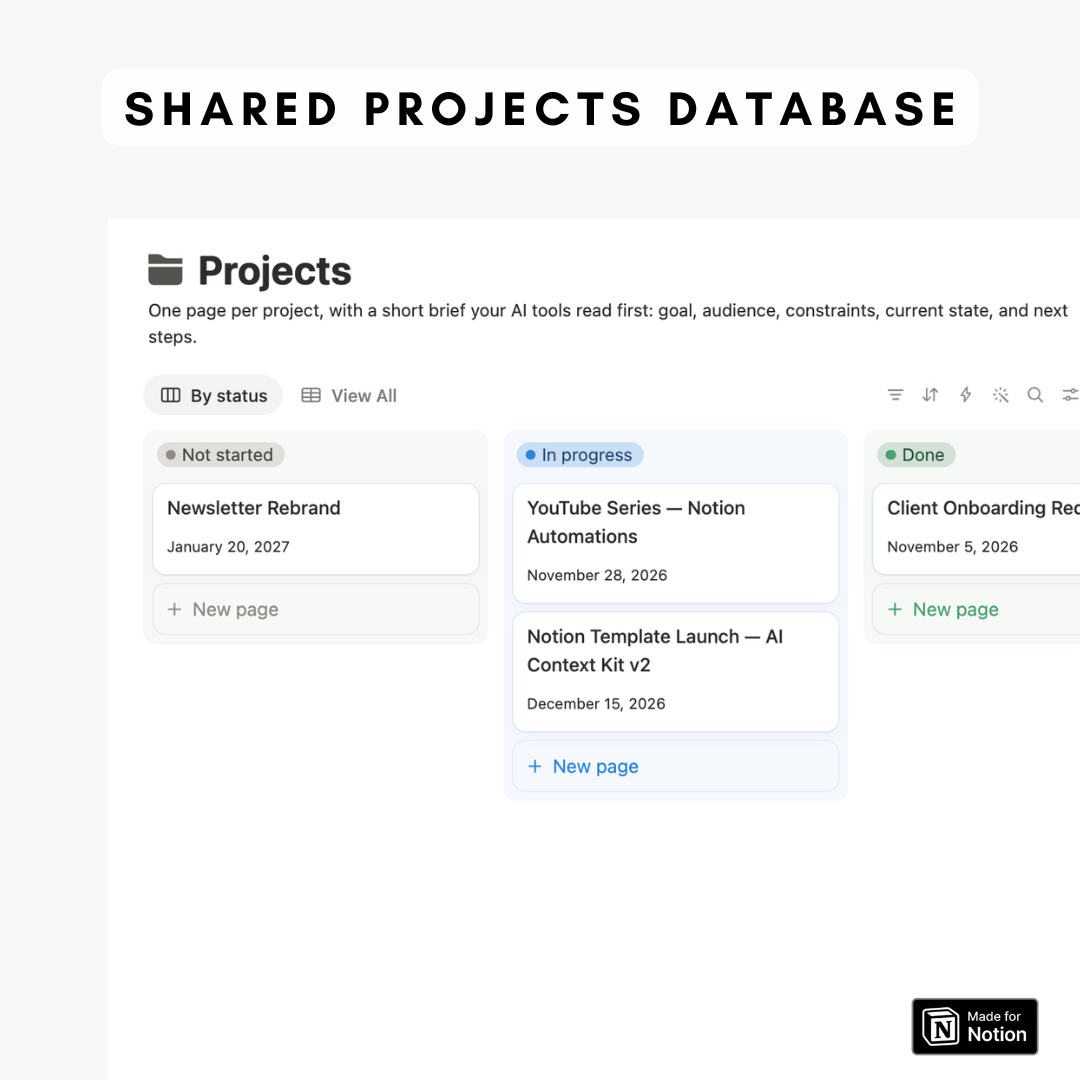
- Projects Database gives each project its own page with a short brief your AI tools can read in seconds. Use it for client work, content planning or any project you move between tools.
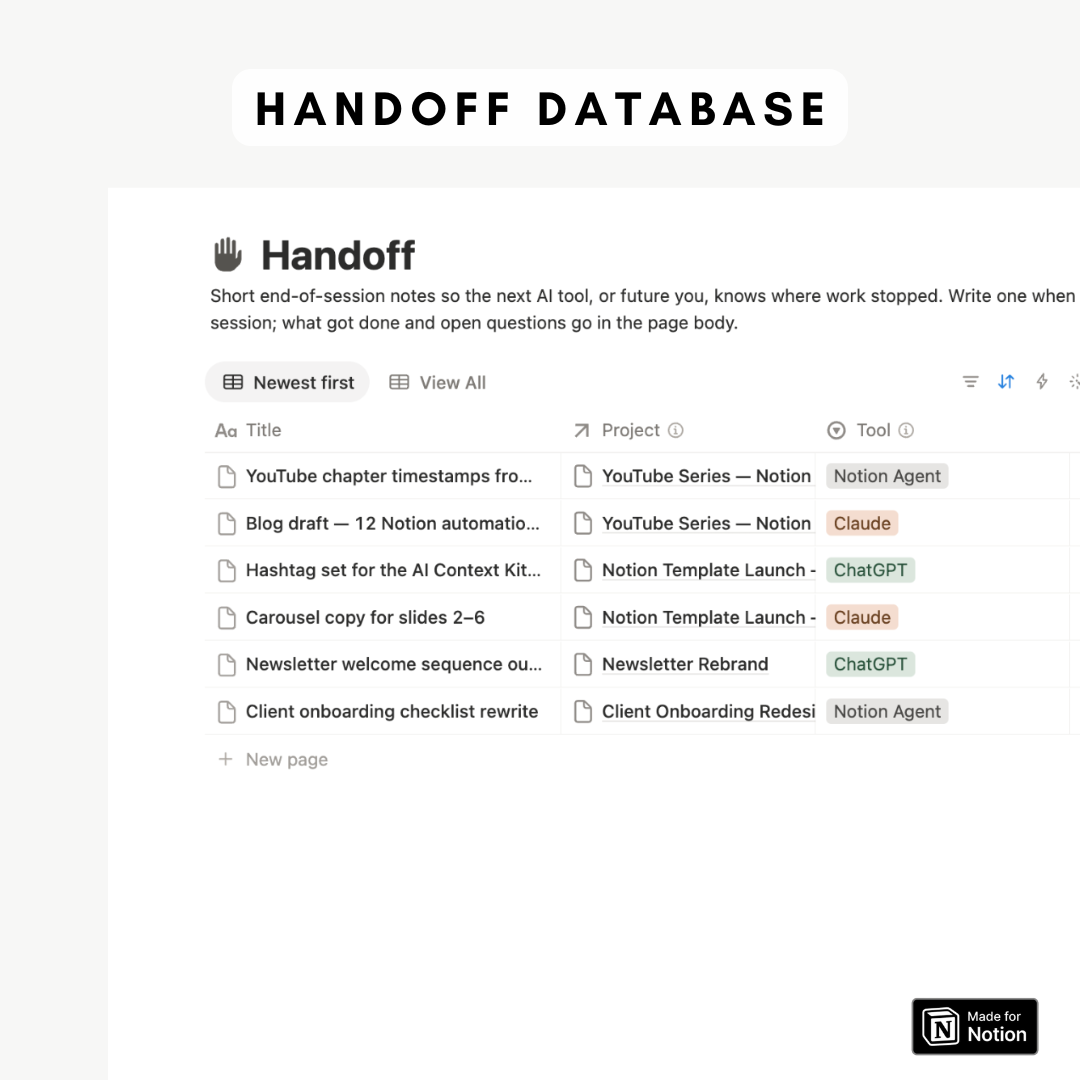
- Handoff Database stores short end-of-session notes that record which tool you used, what you covered and your next step, so the next tool knows exactly where you stopped.
- Decisions Log keeps track of the choices you make and why, linked to each project, so your AI tools stop reopening questions you have already settled.
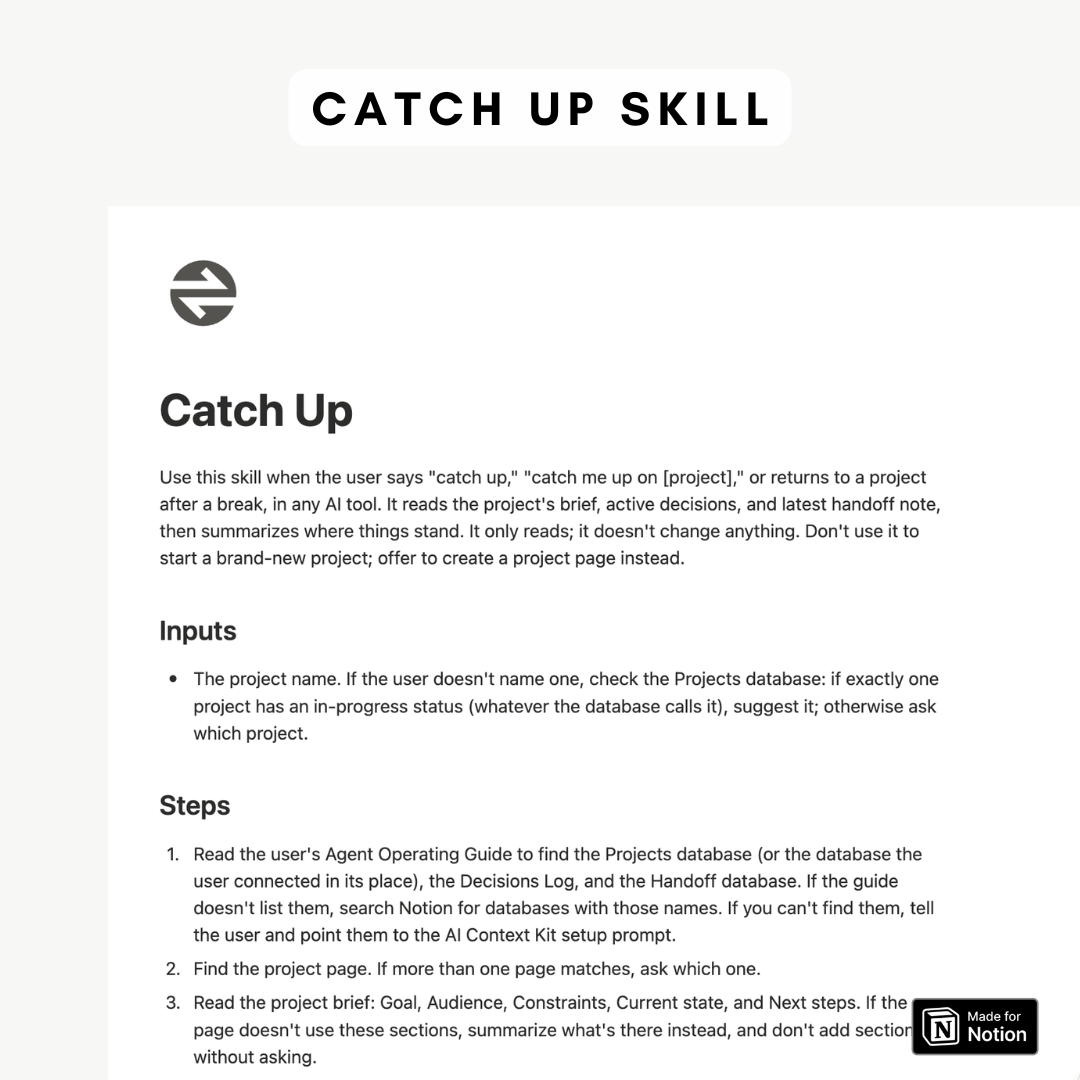
- Catch Up Skill brings any connected AI up to speed on a project. Ask it to catch you up, and it reads your handoffs and decisions and summarizes where things stand.
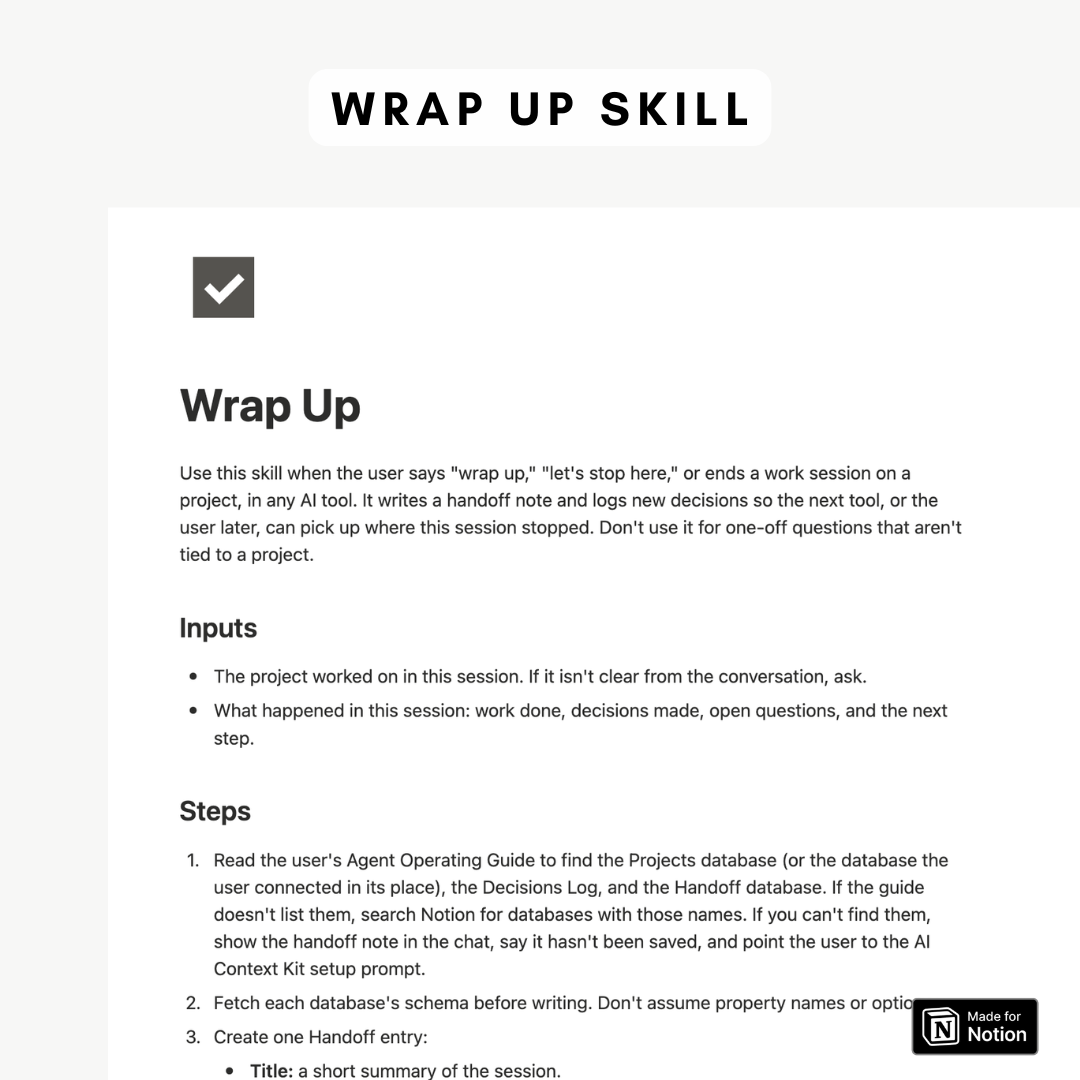
- Wrap Up Skill closes each session by saving a handoff note and logging any new decisions to your project, so nothing from the conversation gets lost.
Video Guide:
Share
FAQ
What is a Notion Template?
A Notion Template is a pre-designed layout in the productivity app Notion. It's customizable and can feature databases, kanban boards, and calendars to jumpstart your project or task.
Can I use Notion with a free account plan?
Yes, Notion offers a free basic plan that includes unlimited pages and blocks, share with up to 5 guests, and syncs across devices.
Missing the link to download?
If you have any trouble finding the link to the template after purchasing, please check our detailed FAQ here including a video guide.
What is your refund policy?
Since our templates are digital products, all sales are final. No refunds will be given once the templates have been downloaded. But if you have any problems with the products, please don’t hesitate to contact us at organizednotebook.info@gmail.com if you need any help. We also offer FREE 15-min Coaching Session to assist you further!
What to do if I’m new to Notion?
Follow our Youtube channel for the best tips and tricks to get started with Notion!